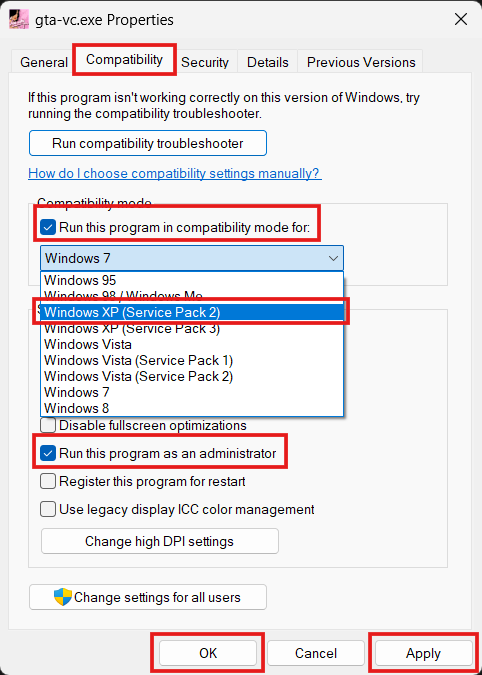
Use Compatibility Mode
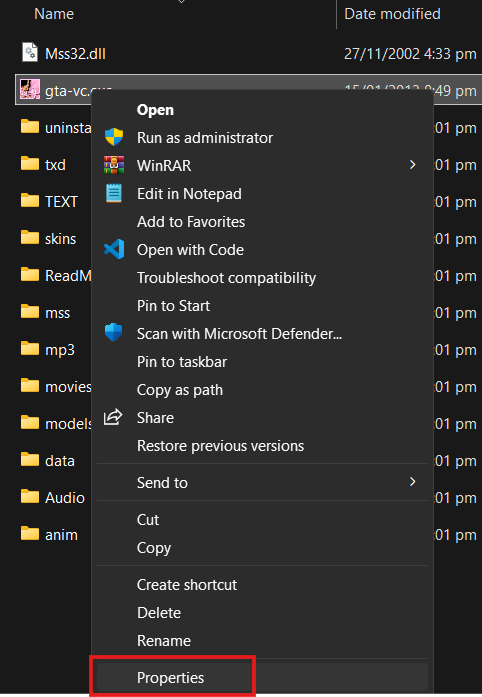
Right-click on the game .exe file, then click on Properties:
- Go to the Compatibility tab.
- Check Run this program in compatibility mode for: and select an older Windows version (Windows XP, 7, etc.).
- Check Run this program as an administrator.
- Click Apply and OK.
- Try running the game.