
Sometimes, users face this type of error when launching a game .exe file:
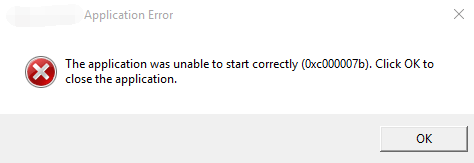
It means your antivirus mistakenly delete or quarantine essential game files causing the The Application Was Unable to Start Correctly error.
Solution
- Go to your antivirus.
- Look for Quarantine, Threat history or Protection history section.
- Restore the removed game files.
- Try running the game as administrator.