
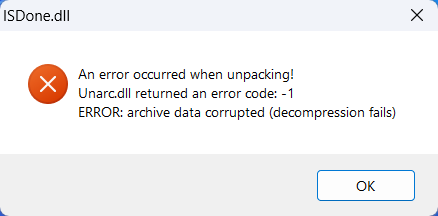
Sometimes, users face this type of error when installing the game:
Solution
- Download ISDone.dll and Unarc.dll from the links below:
- ISDone.dll: Download Here
- Unarc.dll: Download Here
- Extract the downloaded files using WinRAR.
- Copy both DLL files (excluding the ReadMe file).
- Paste them into the following directories:
C:\Windows\System32C:\Windows\SysWOW64
- Reinstall the game.
- When installing the game, enable the Limit installer to X GB of RAM usage option (if available).