
1st method
If you are using windows 10 or 11.
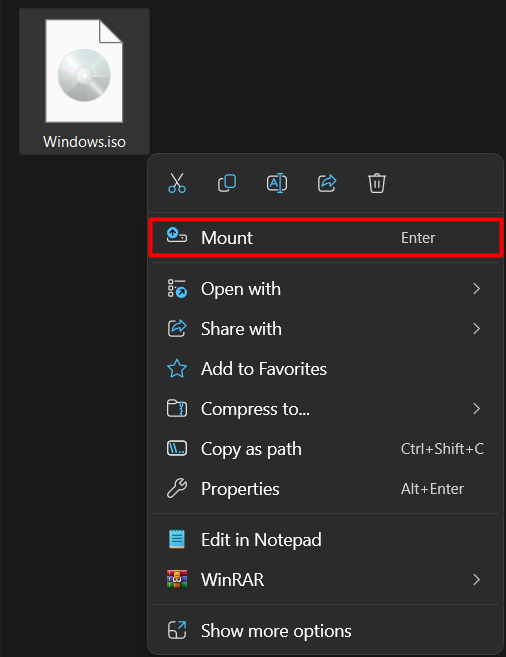
Just right-click on the .iso file, then click on Mount:
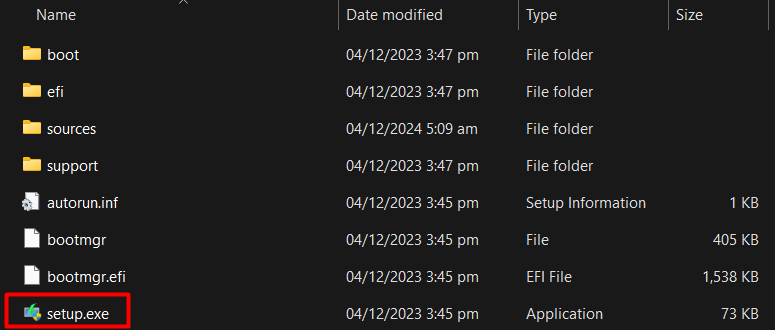
A folder will open, then you can install the game from there:
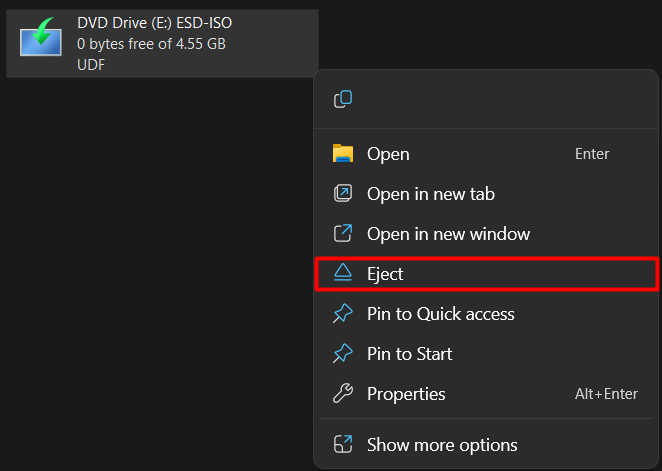
After completely installing the game, go to the This PC folder. There, you will see a mounted DVD drive. Right-click on it, then click on Eject:
2nd method
If you did not see Mount option, You will need the WinRAR application. You you can download WinRAR from the below link:
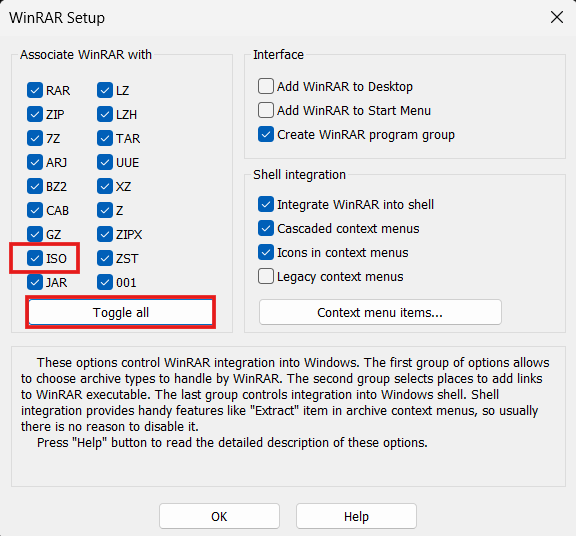
When installing WinRAR, click on Toggle all. This will select all formats, including the .iso format:
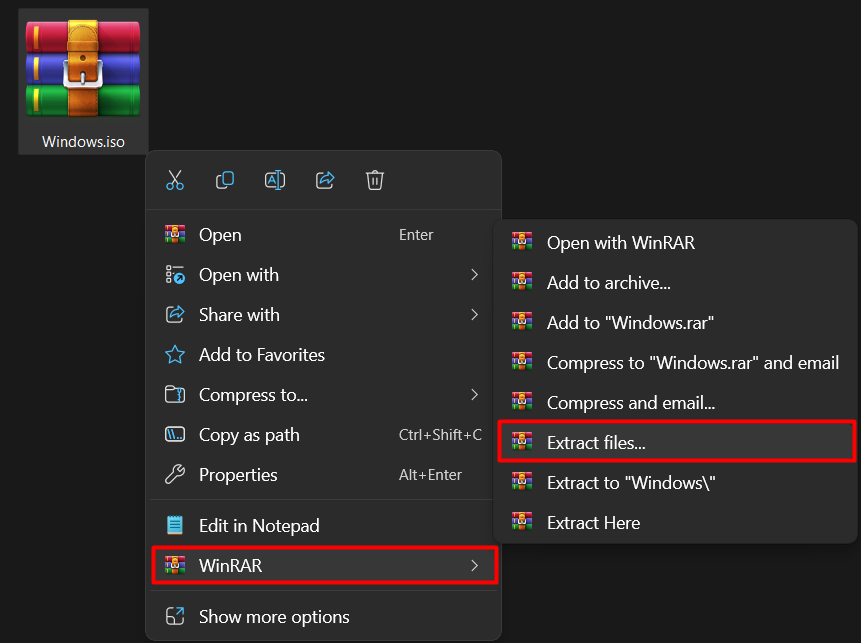
Right-click on the .iso file, then click on Extract Files… and choose the location where you want to extract them:
Go to the folder where you extracted the files. From there, you can install the game.